How to delete Buymanager database?
Sometimes we will build some test databases for testing. If the user no longer needs to use a test database administrator could delete by MySQL Workbench.
This process is not recoverable, please Backup your production database before you delete it.
Please follow the link to Backup your production database.
Step 1 - Disconnect All User:
Make sure all user does not connect into Buymanager during the exporting database process: How to disconnect All user?
How to disconnect All user when unable to connect Buymanager
- Start Buymanager with an Administrator account
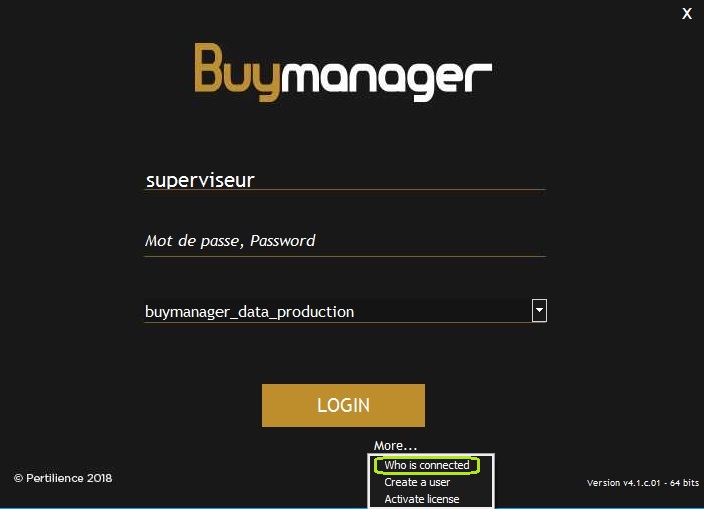
- Click on “More…”
-
Click on “Who is connected“
- Check how many users and license connect to Buymanager
- Go back to “More…” > “Activate license“
- Type in:
DisconnectAllUsers
7. Press “Activate licenses” until appearing All user has been disconnected
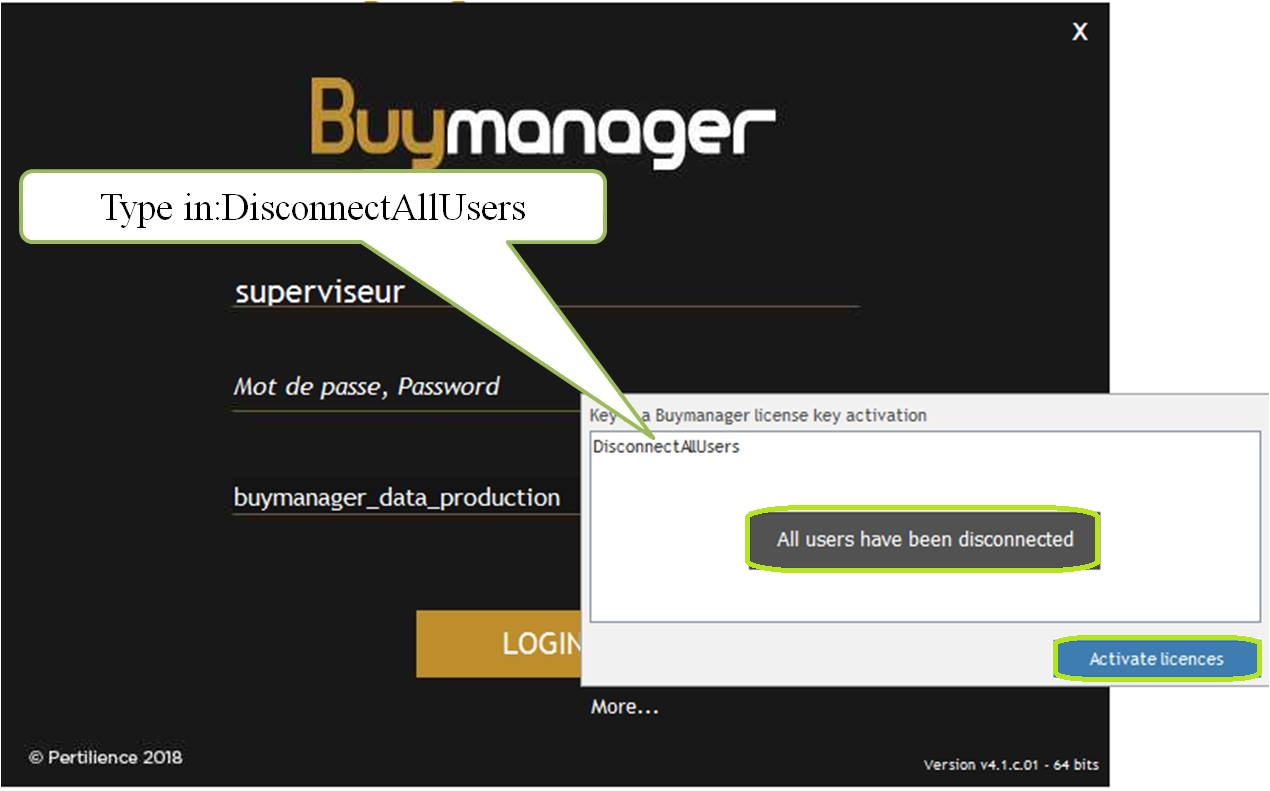
Note: If user use 5 licenses, need click 5 times “Activate licences” until appear All user has been disconnected
Step 2 - Delete Database
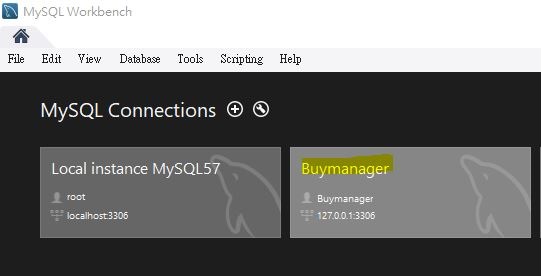
Connect MySQL Workbench
- Open MySQL Workbench as an administrator
- Choose correct database connection usually is "Buymanager"
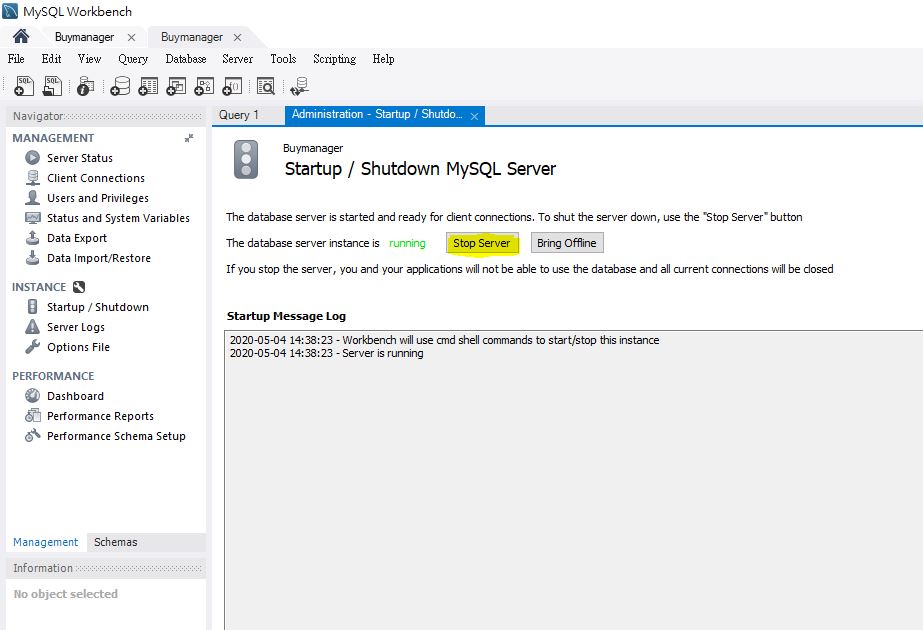
- Go to "INSTANCE" >>"Startup/Shutdown" >> "Stop the server"
- Go to "Schemas" >> "Right Click" on the database you want to delete >>"Drop Schema..." >> "Drop Now"
This step is not recoverable please make sure you select the correct database

- After MySQL finish running user needs to restart the server "INSTANCE" >>"Startup/Shutdown" >> "Start the server"