Prerequirement :
Buymanager team gave you a database zip file and a licence number
How to install a new database ?
- Download the attached zip file from this mail and put it on the Reynosa server.
- Start Buymanager on the Reynosa server and click on new connexion
- Keep server setting and click “Next”
- On the “database installation” windows
- Click on “New database”
- Key in the same name as previous database
- Click on the “magnifying glass” and select the zip file you’ve just uploaded
- Click on “Install database” button
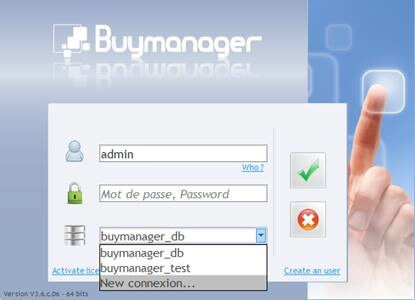

-
- Click on “Next”
When it is done you should start Buymanager and add new licence on the database : How to modify the licence key?
- Start Buymanager
- On the login windows : click on “Activate licences”
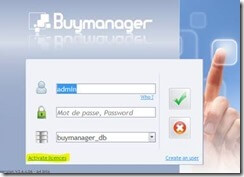
- Copy Paste the licence contained in the Licence file
- Click on Activate licence button
- Login to control if all is OK
