Goal: After imported BOM, the user may appear some warnings on the system. Have to solve those warnings otherwise, data could be incorrect. 
Check warnings displayed
-
A line has the Same description
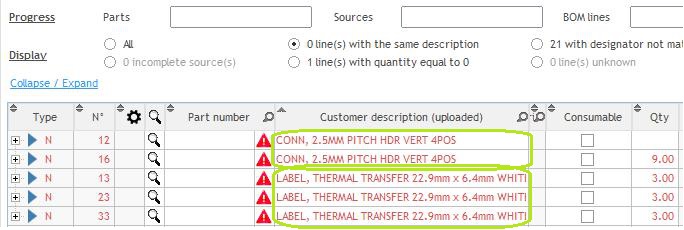
- Buymanager will automatically combine those parts
-
Designator not matching quantity

- Check the raw data to adjust the line.
-
Incomplete source(s)
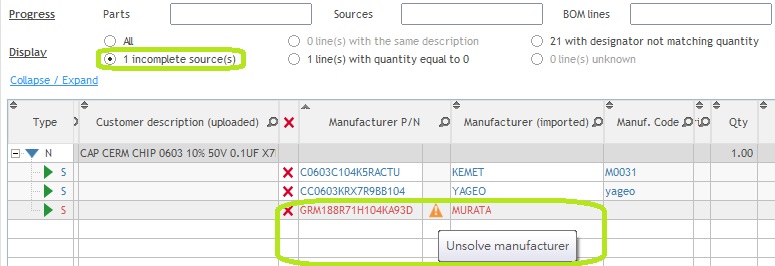
- For more information on the resolution of manufacturers: click here
-
Quantity equal to 0
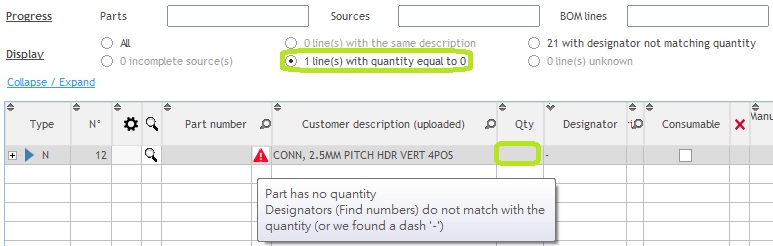
- Check the raw data to adjust the line.
-
Unknown
- Depends on user data need to check the raw data to adjust the line.